Game
Open Nat
Most proxy servers and firewalls may restrict access to certain ports. These settings can sometimes block unknown packets, leading to connection failures when playing online games. Open NAT allows you to open ports and permit traffic from pre-set game profiles to pass through the firewall to your home network, thereby enhancing the gaming experience.
The configuration procedure is as follows:
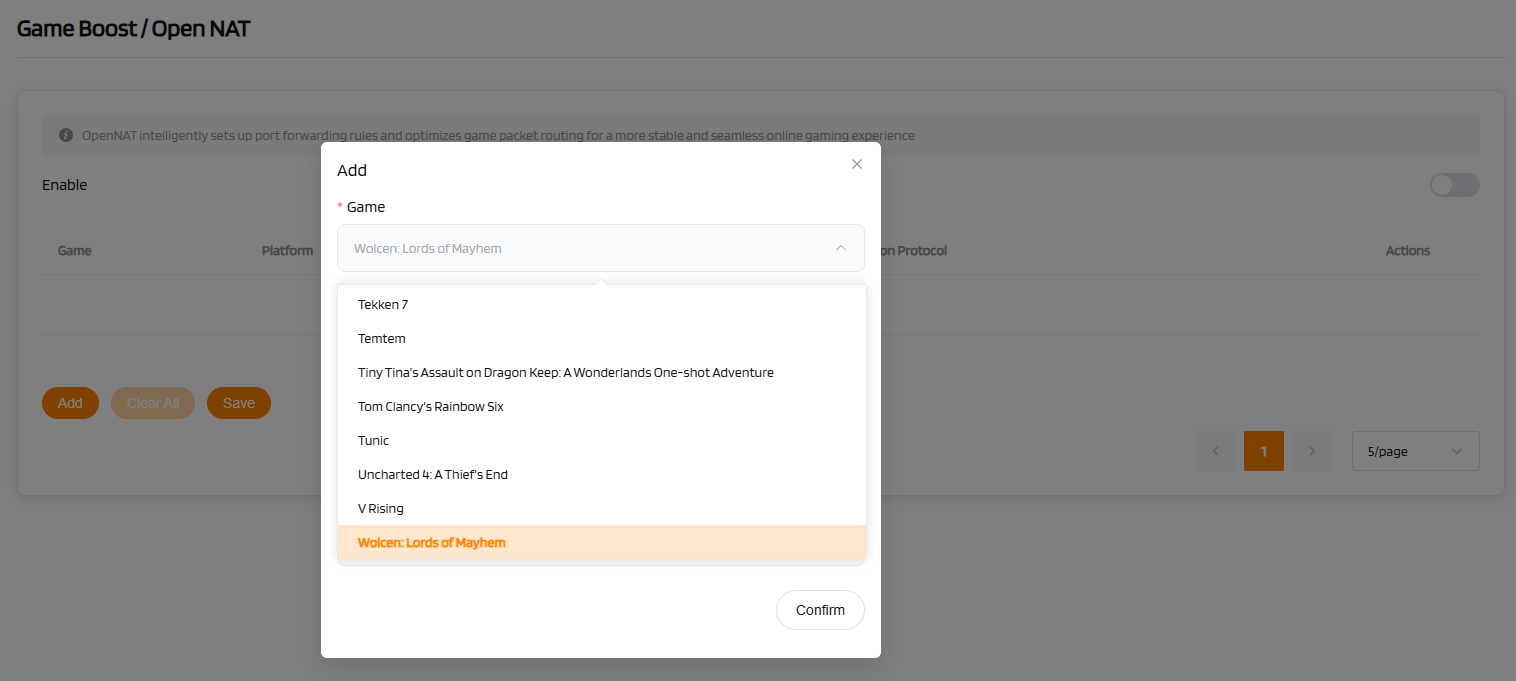
- Enable the Open NAT Function: On the Open NAT settings page, click "Add" to create a new acceleration rule.
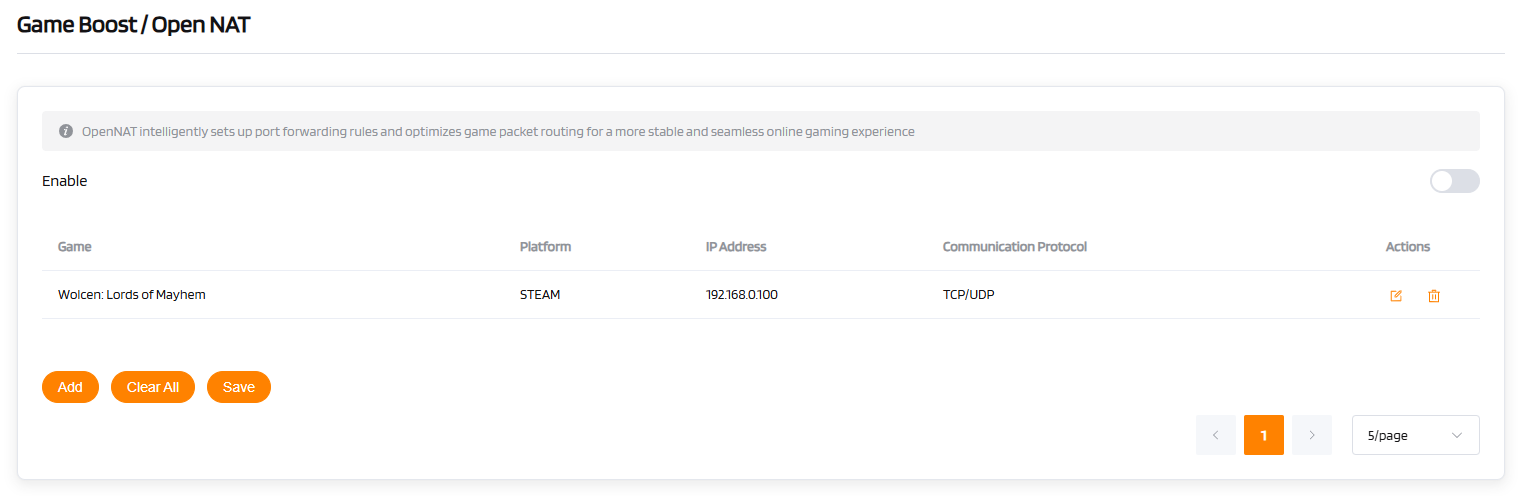
- Game: The specific game to be accelerated.
- Platform: The platform of the gaming device, e.g., STEAM, PS5, PC, XBOX ONE, etc.
- IP Address: The IP address of the corresponding gaming device.
- Communication Protocol: The communication protocol supported by the game server. It is generally recommended to select the default TCP/UDP.
- Save Settings and Test Connection: Ensure that a message such as "Settings saved successfully" or a similar prompt is displayed.
LagoFast
The router collaborates with LagoFast to provide a game acceleration service. This resolves previous connectivity issues caused by NAT types, allowing you to enjoy seamless global online gaming.
Configuration Procedure:
-
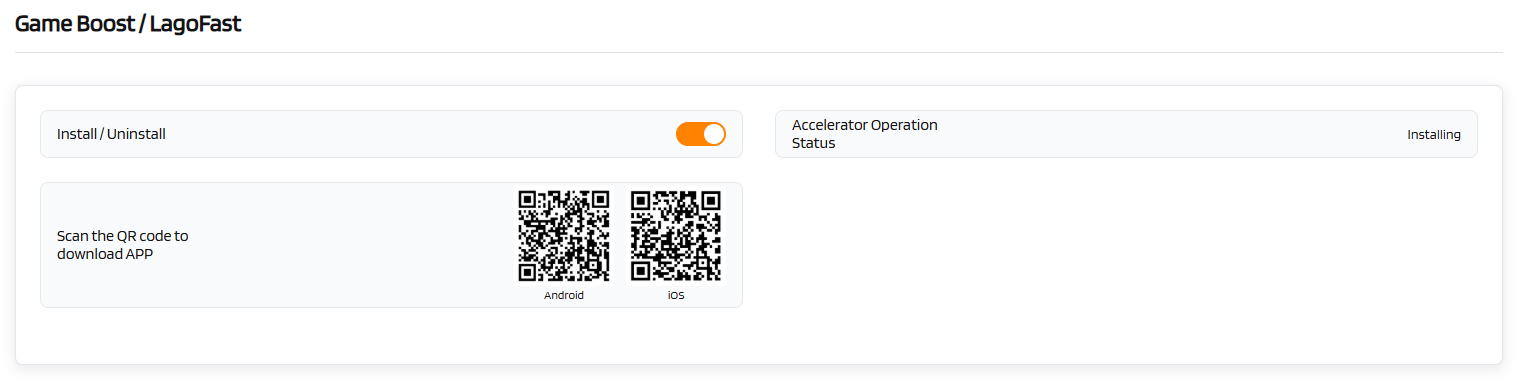
Install the LagoFast Plugin: On the LagoFast settings page, select "Install Plugin". The download and installation will take a few seconds. You can check the plugin status under "Accelerator Operation Status".
-
Scan the QR Code to Download the App: For an enhanced game acceleration experience, download the dedicated mobile application. Register and activate the service through the app to begin use.