Hospot Sharing
The VL7M19K router supports USB internet sharing, allowing the router to function as a hotspot amplifier for devices such as smartphones, MiFis, or dongles. For example, when using a smartphone, follow these steps:
- Enable USB tethering on the smartphone.
- Connect the smartphone to the router’s USB port via a USB data cable.
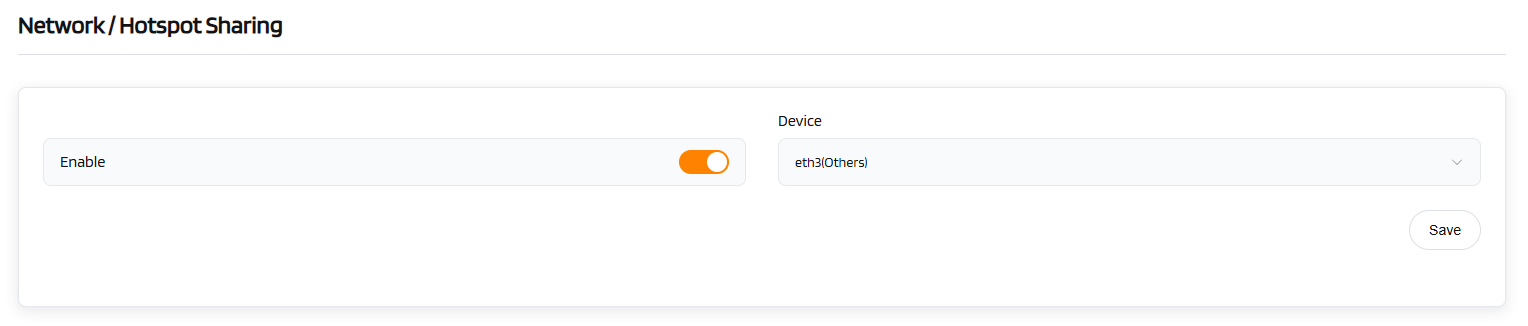
- Once the USB device is detected, the router will automatically identify the device information (e.g., "eth3" as shown in the figure below).
- Click "Save". After a few seconds, the router will successfully share the hotspot network.