LED
LED Status Indication
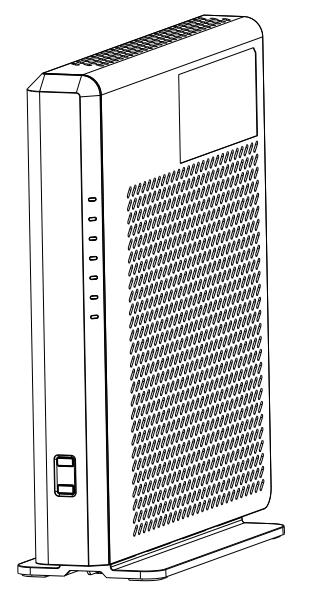
| Category | Status | Description |
|---|---|---|
| POWER | Green (Always on) | Power on. |
| Orange flashing slowly | When the restart button is pressed for 5 seconds. | |
| Light off | NO Power. | |
| STATUS | Green (Always on) | Connecting to the Internet. |
| Red flashing | During firmware update. | |
| Light off | Not connected to the Internet. | |
| 2.4 GHz Wi-Fi | Green (Always on) | 2.4 GHz Wi-Fi is enabled. |
| Light off | 2.4 GHz Wi-Fi is disabled. | |
| 5 GHz Wi-Fi | Green (Always on) | 5 GHz Wi-Fi is enabled. |
| Light off | 5 GHz Wi-Fi is disabled. | |
| 6 GHz Wi-Fi | Green (Always on) | 6 GHz Wi-Fi is enabled. |
| Light off | 6 GHz Wi-Fi is disabled. | |
| WPS/MESH | Green (Always on) | Mesh network successfully established. |
| Green slow flashing | Mesh scanning (One Flash Per Second). | |
| Green quick flashing | Activate 5 GHz WPS (Two Flashes Per Second). | |
| Green rapid flashing | Activate 2.4 GHz WPS (Five Flashes Per Second). | |
| Light off | Mesh disabled. | |
| STORAGE | Green (Always on) | USB device mounted successfully. |
| Light off | No USB device mounted. |