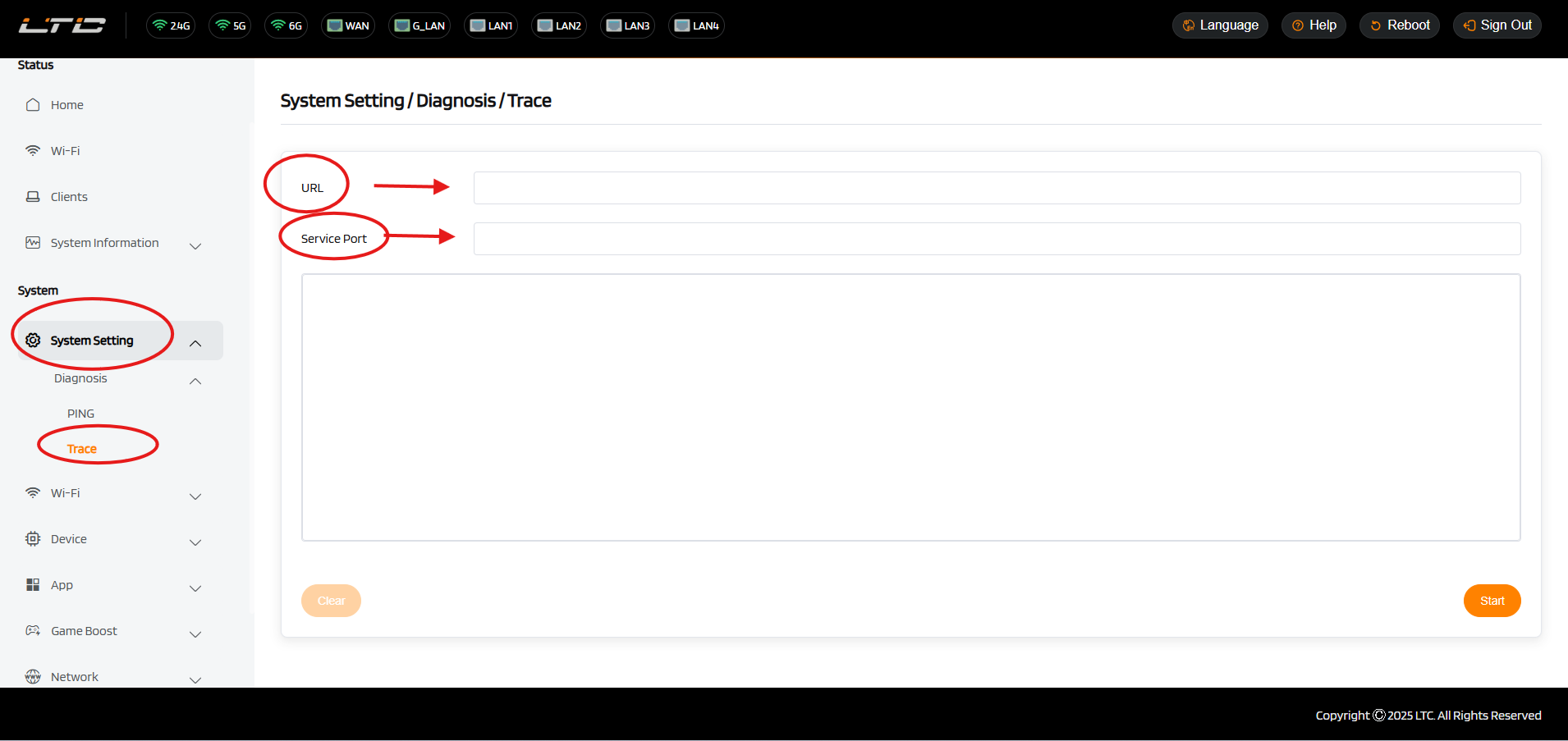
System
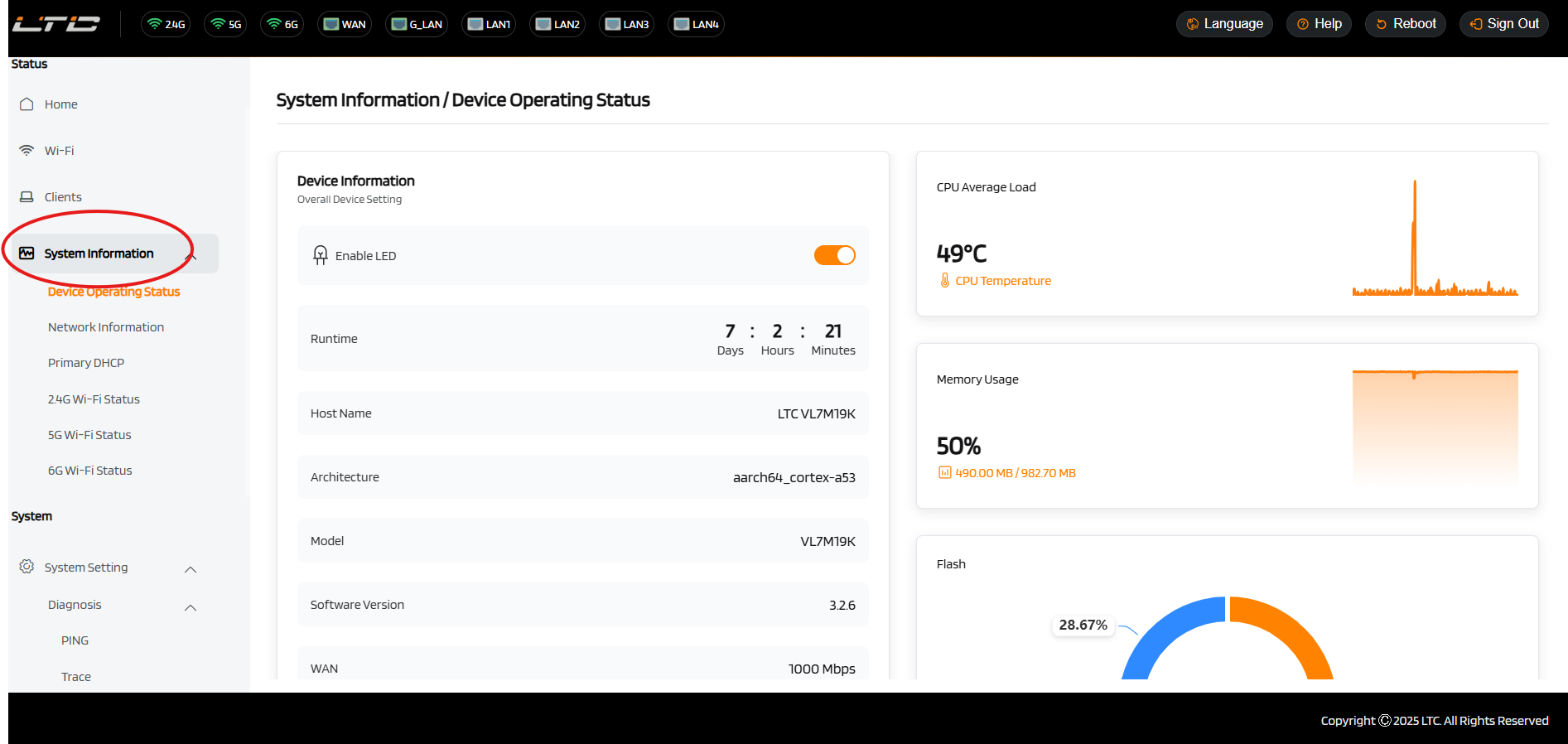
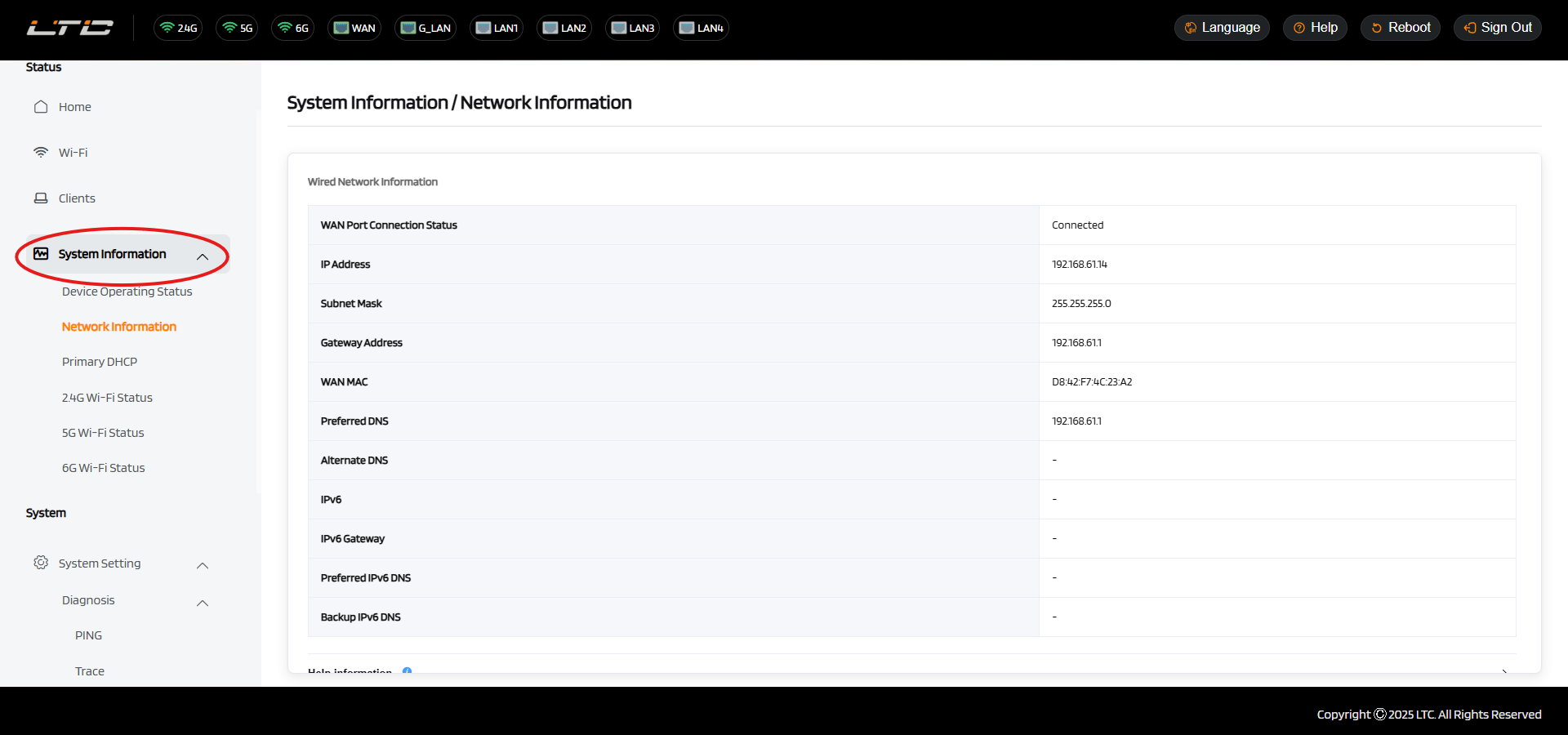
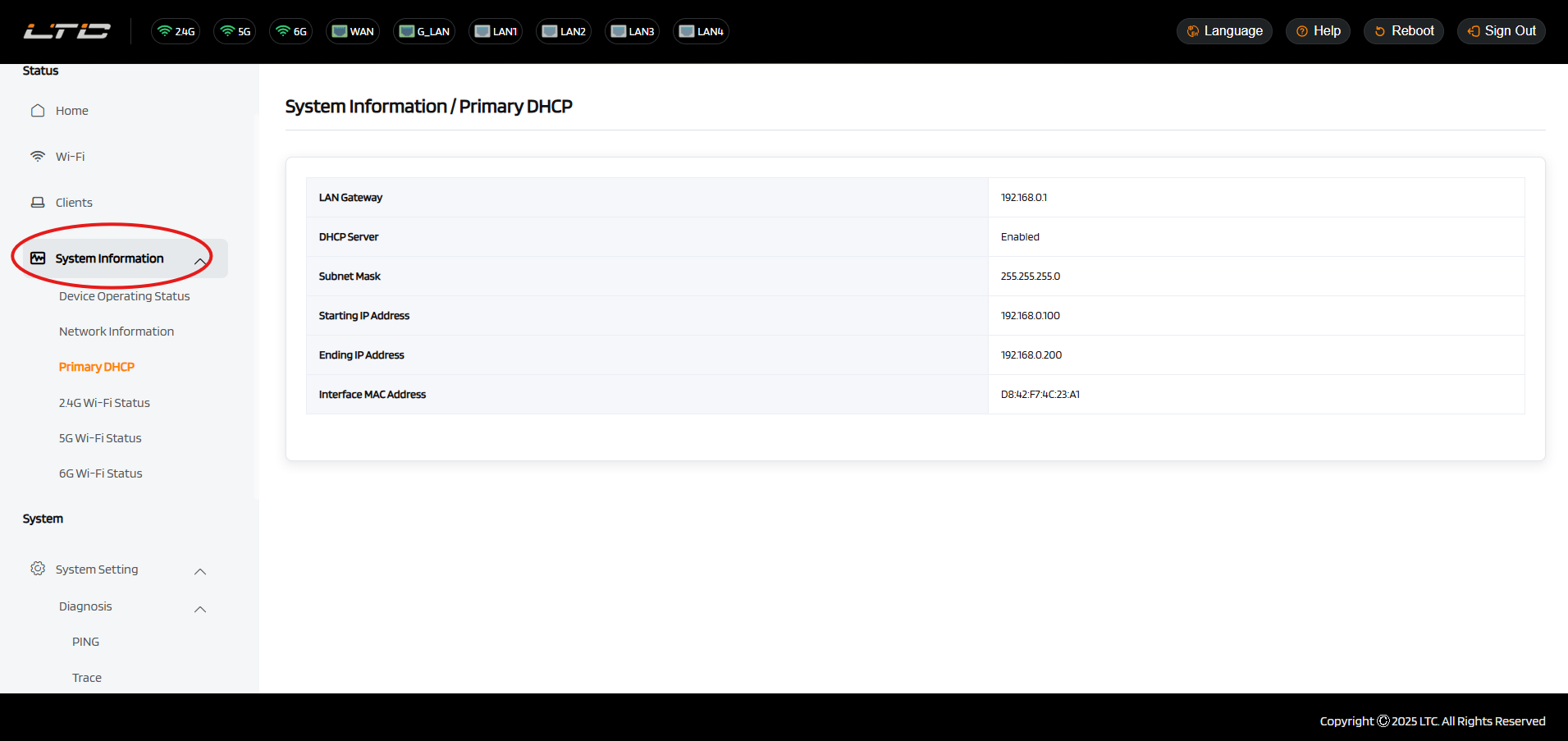
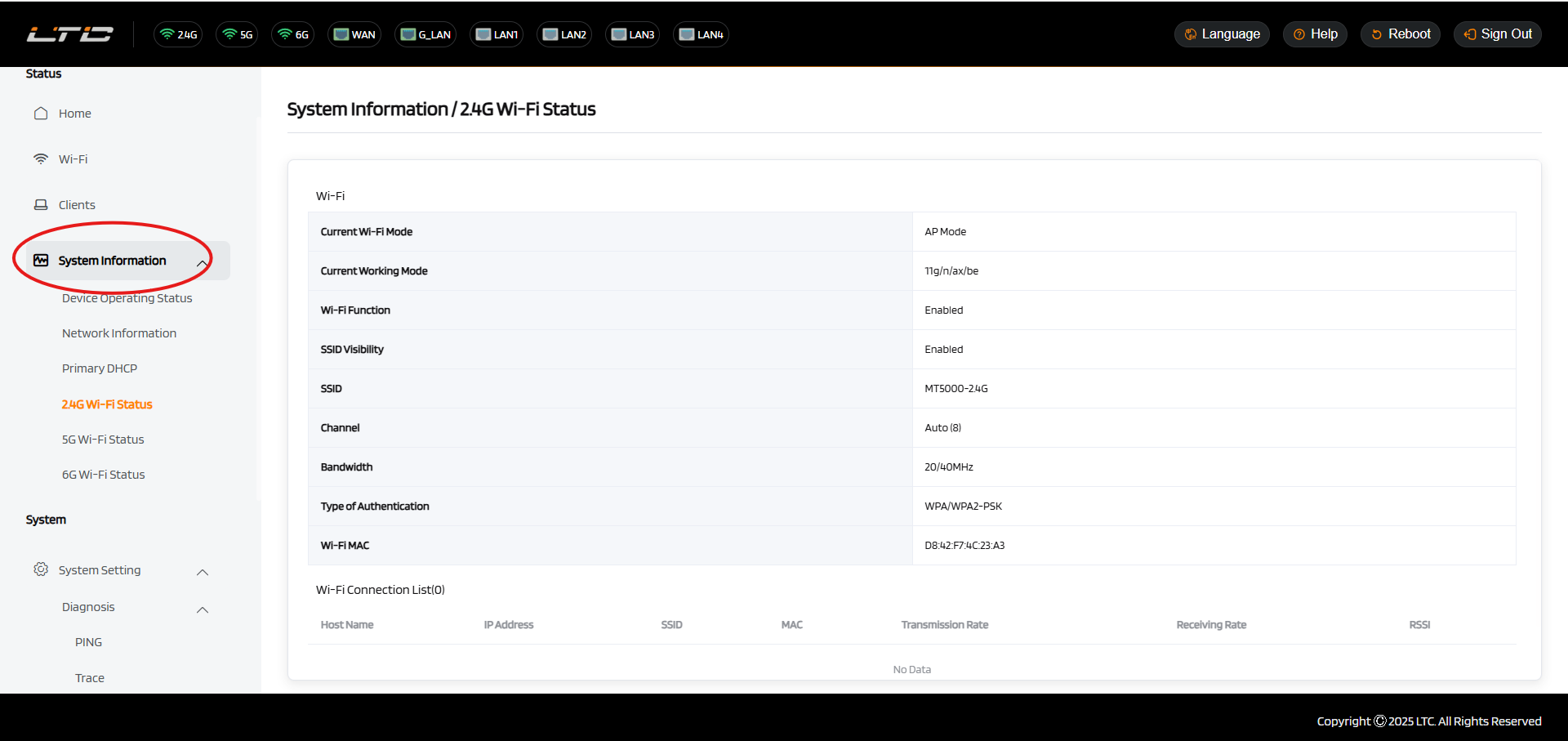
System Information
Access the System Information page to get a comprehensive overview of device status and network details: monitor real-time CPU load, memory usage, and system temperature for performance and stability assessment; view key network parameters including WAN status, public IP, DNS server, and default gateway; and check connected device count, signal strength, and operational status across 2.4GHz, 5GHz, and 6GHz bands to optimize Wi-Fi coverage and overall network performance.
System Setting
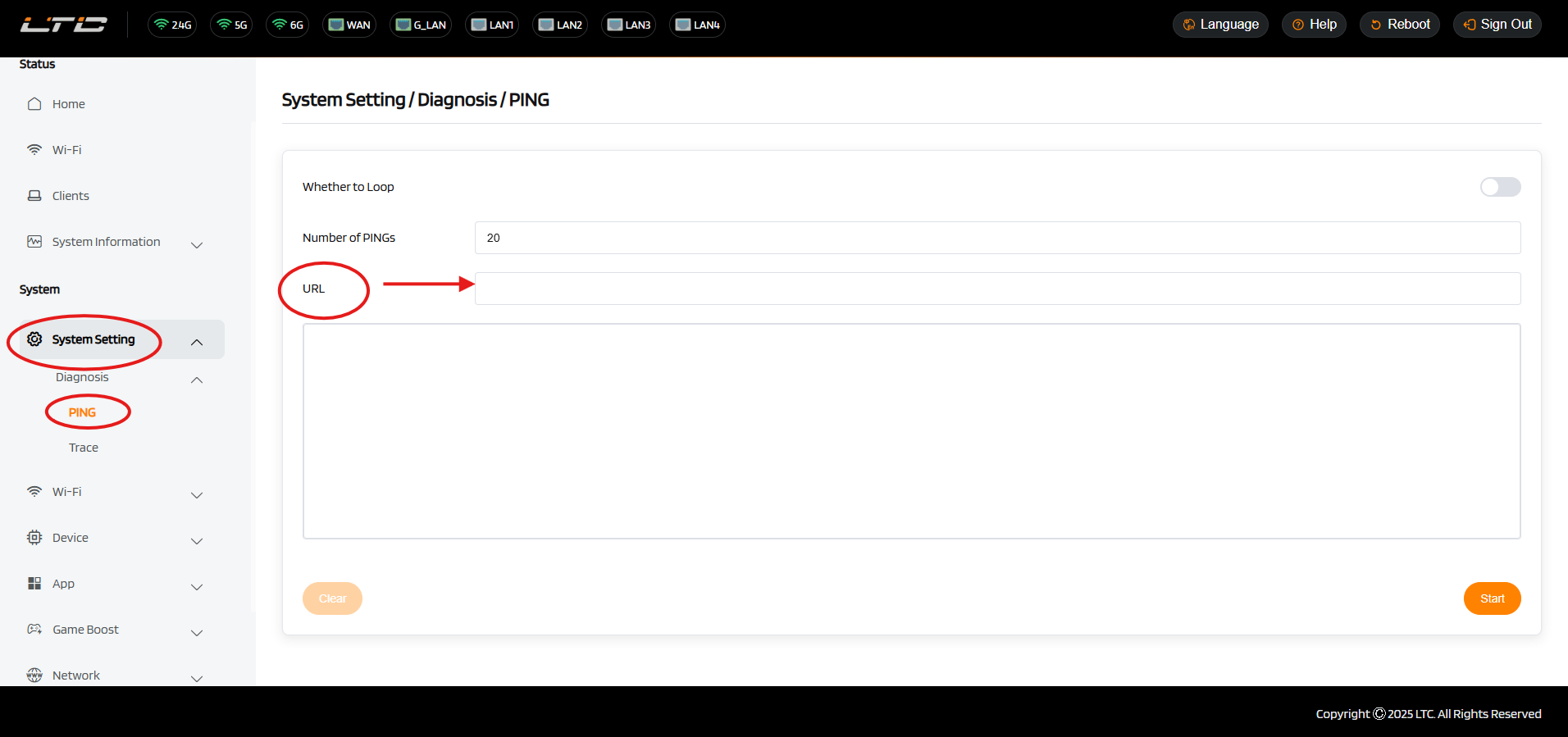
Diagnostics
Ping tests connectivity between your device and a target address by sending packets and measuring response time, helping quickly verify network availability and detect issues like high latency or packet loss.
Trace (or Traceroute) displays the entire path data packets take from your router to the destination, showing each hop along the way, which helps identify latency bottlenecks or network failures for effective troubleshooting.