Upgrade
Manual Upgrade
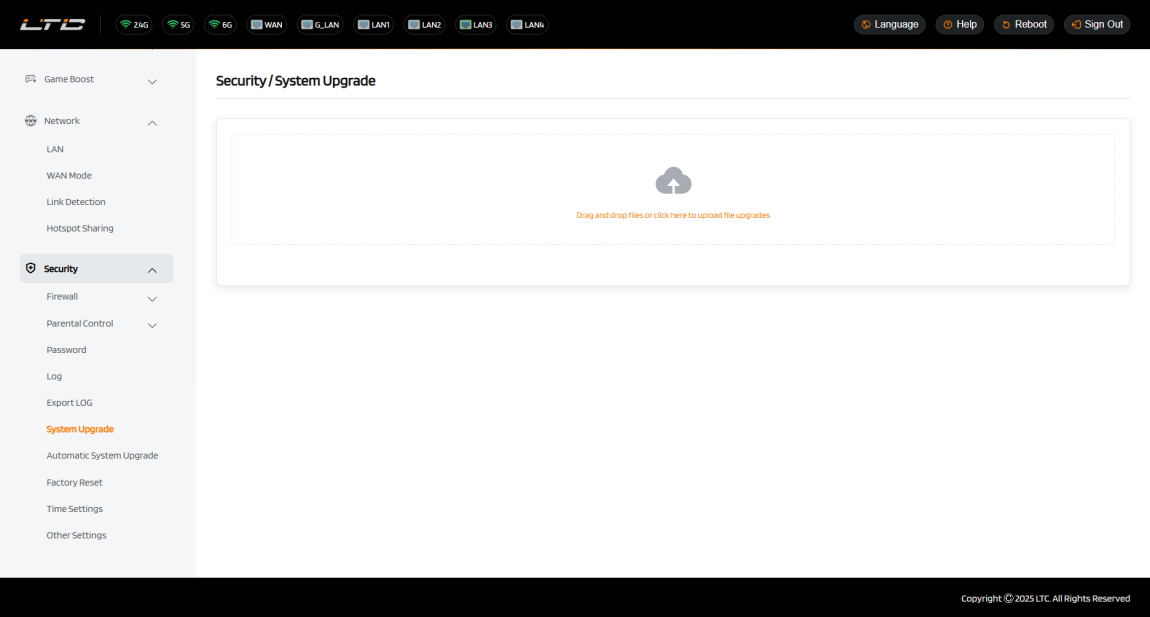
Click System Upgrade to upload a firmware file to therouter. Simply drag and drop your firmware file to the area indicated.
Automatic Upgrade
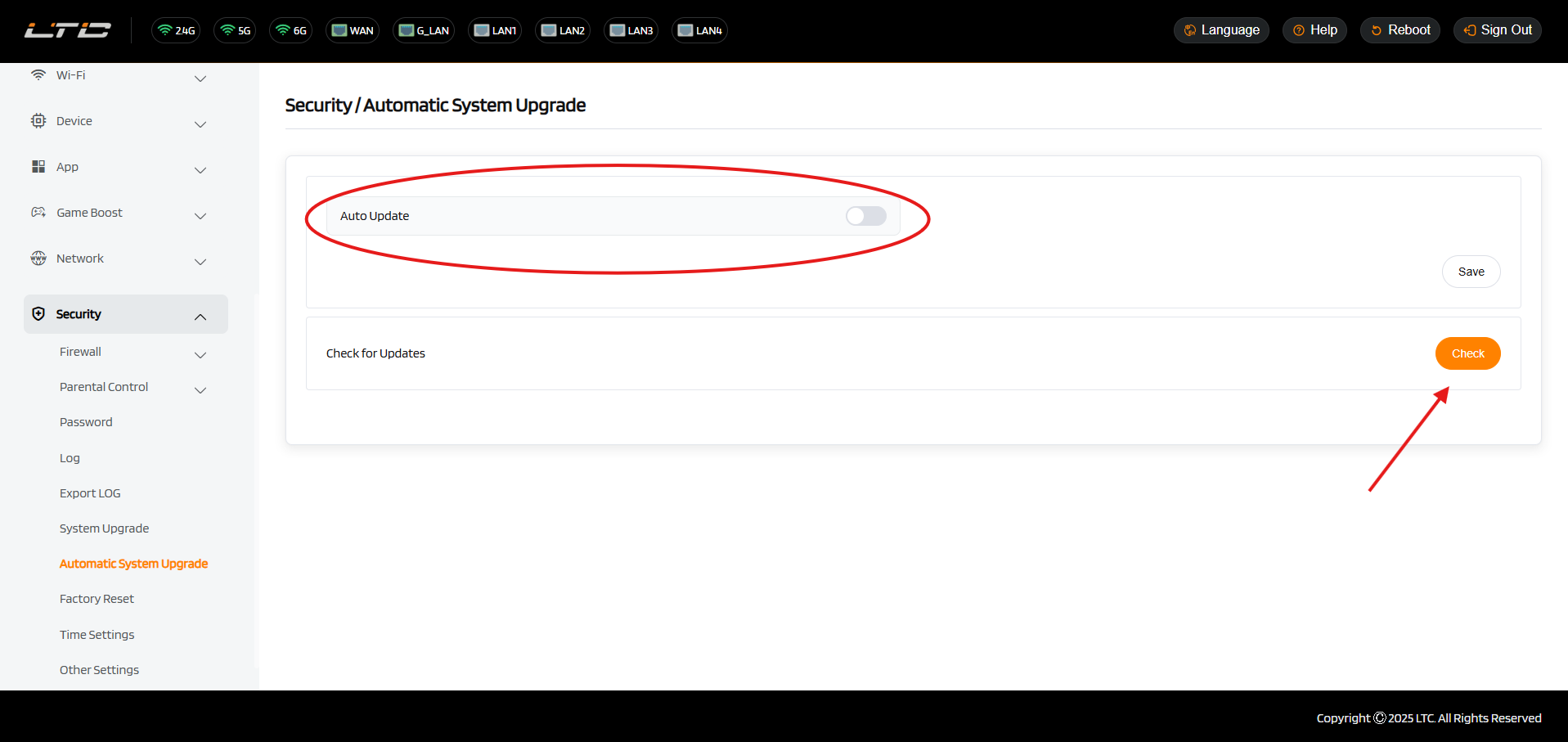
Tap “Auto Update” and save to start the system upgrade. After updating, tap “Check” to verify your system is running the latest version.