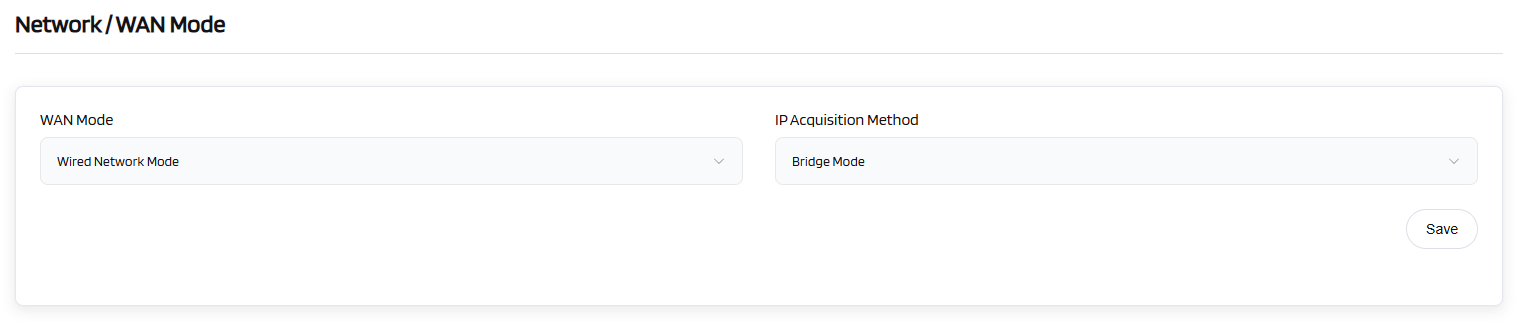
Wired Network
There are total two types of the connection mode that you can use to access the Internet netowrk: Wired Network Mode and Repeater mode(2.4 GHz Wi-Fi Mode, 5 GHz Wi-Fi Mode and 6 GHz Wi-Fi Mode).
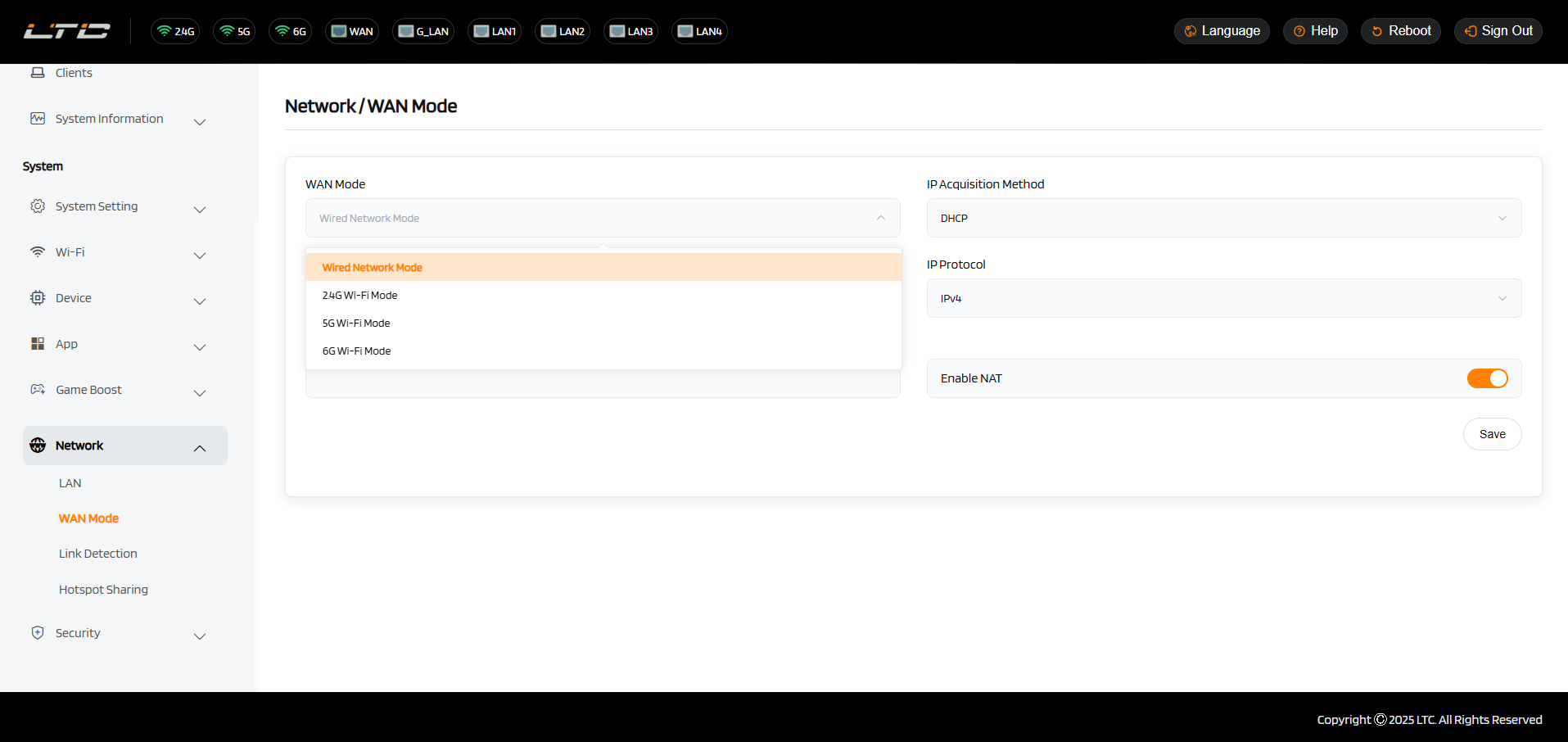
Wired NetWork
Connect the router to the upstream gateway with Internet access via Ethernet cable to access the Internet.
Plug the Ethernet cable into the WAN port of the router. The information of your connection will be shown on the System Status page. DHCP is the default protocol. You can change the protocol in the Network page.
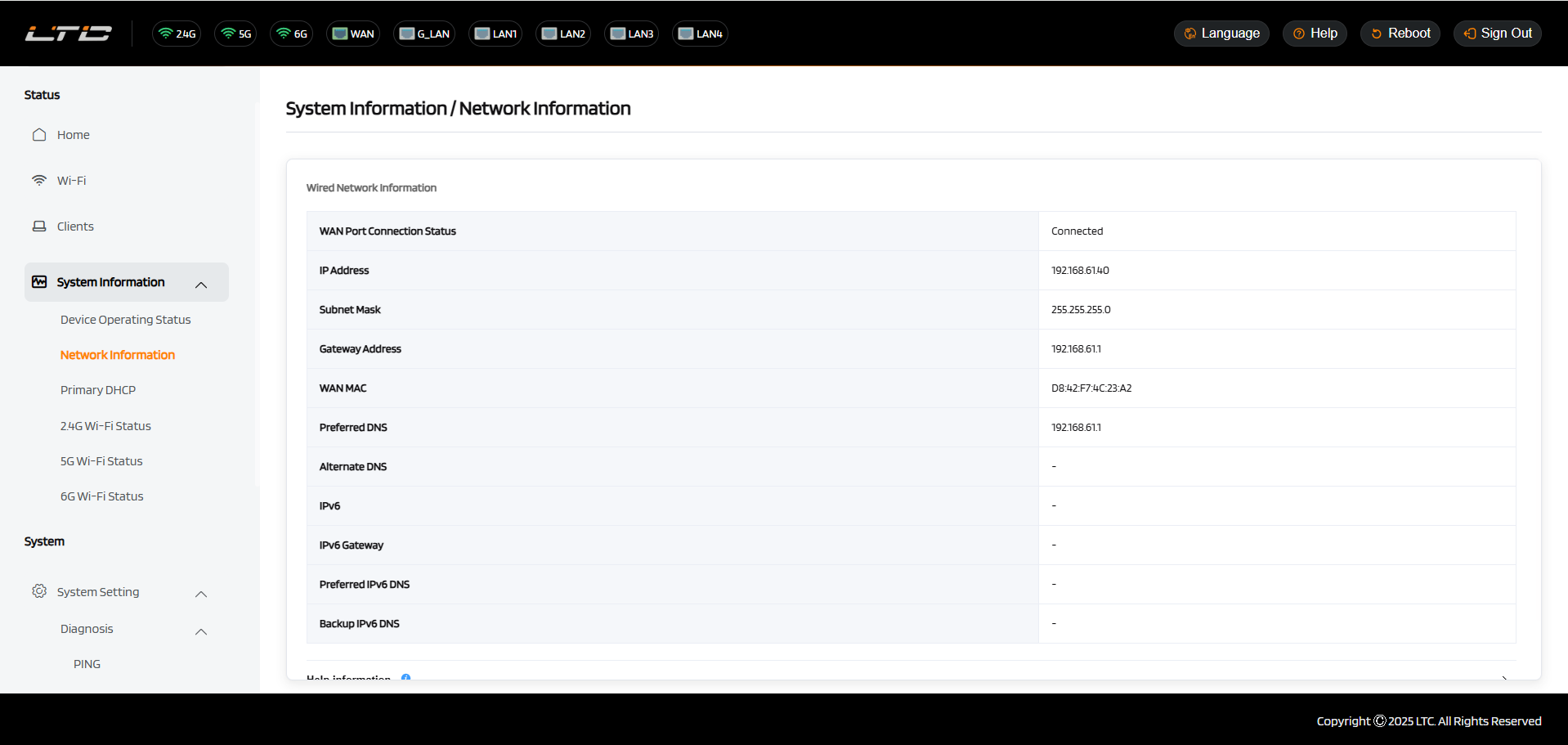
(1) DHCP
DHCP is the default and most common protocol. It doesn't require any manual configuration.
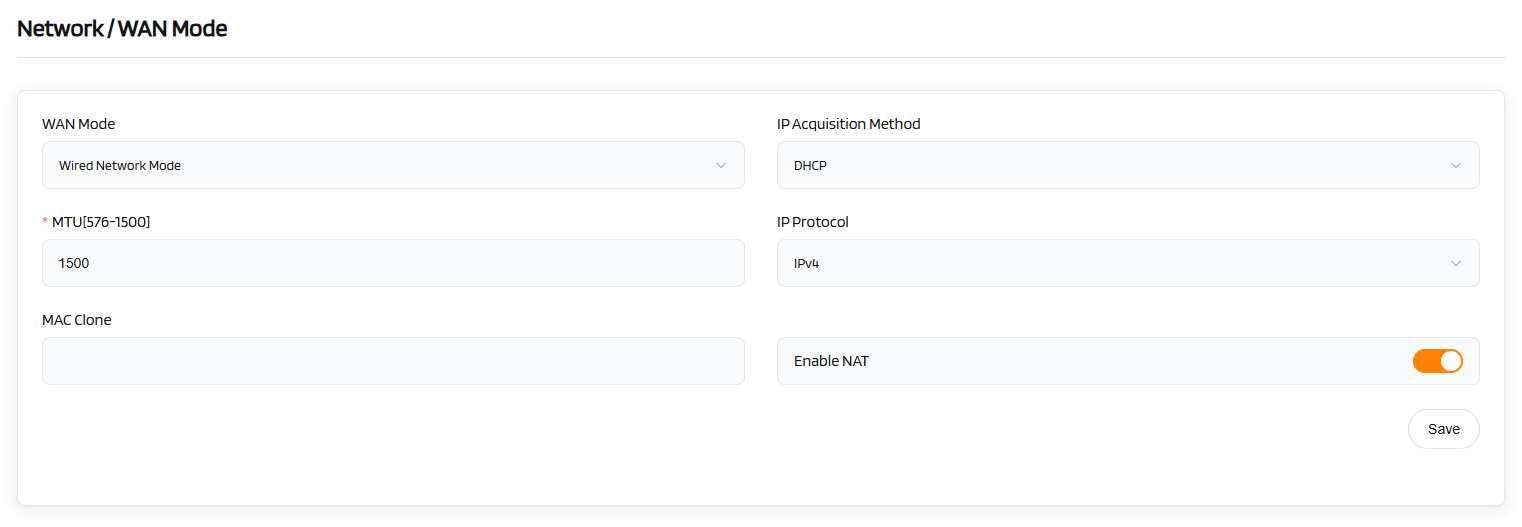
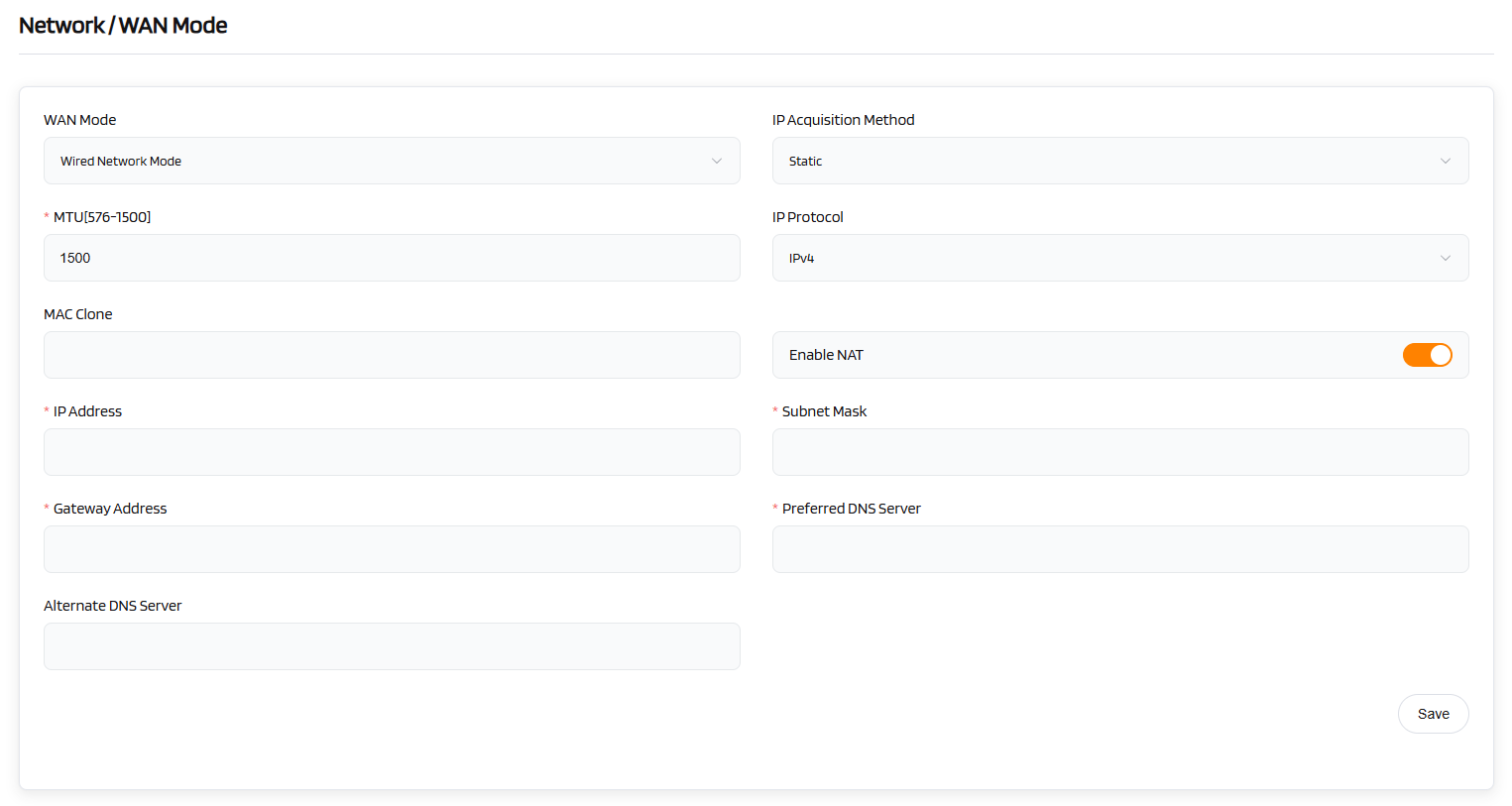
(2) Static
Static is required if your Internet Service Provider (ISP) has provided a fixed IP address for you or you want to configure the network information such as IP address, Gateway, Netmask manually.
The current settings will be change once you choose Static. Change it according to your needs and then click Save.
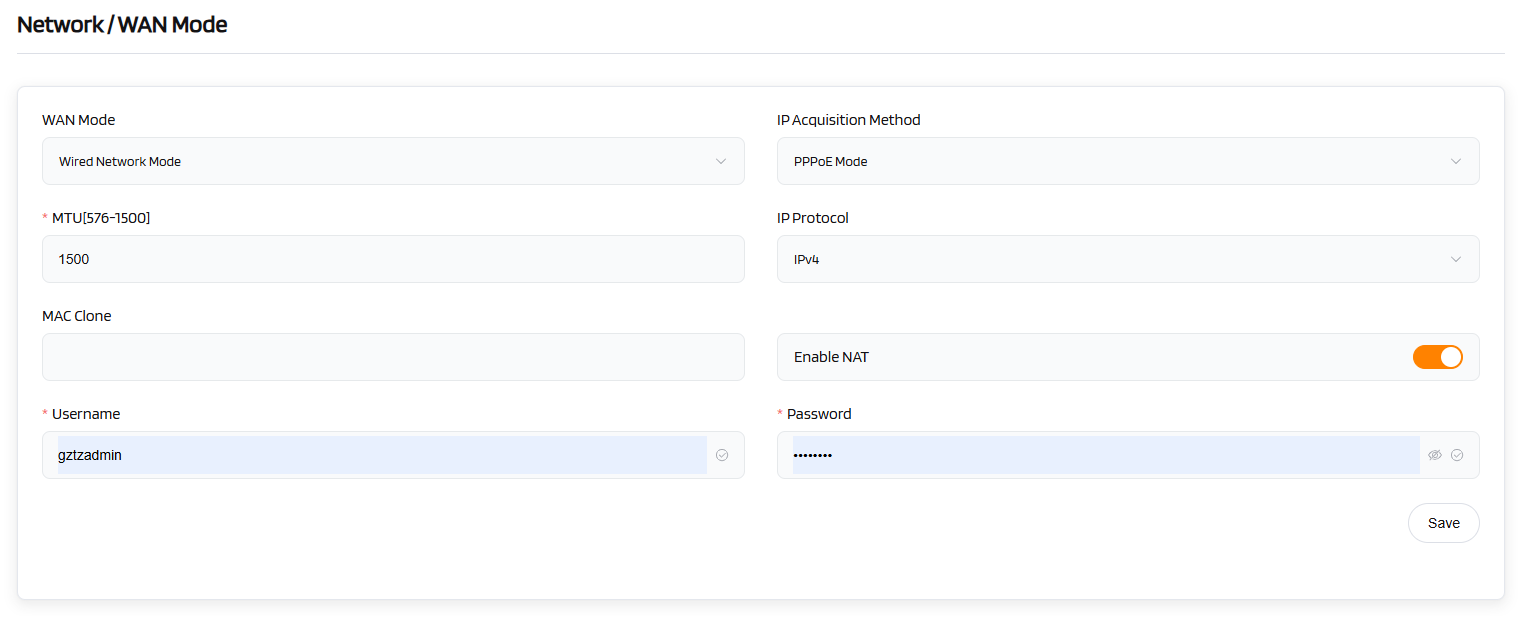
(3) PPPoE Mode
PPPoE is required by many Internet Service Providers (ISP). Generally, your ISP will give you a modem and provide you a username & password that you needed when you are creating the Internet connection.
Under PPPoE protocol, enter your username and password, then click Save.
(4) Bridge Mode
Bridge Mode can achieve network expansion. In this mode, the secondary router acts as an extension of the primary router's network, enhancing the signal coverage area, and enabling stable and high-speed interconnection between different devices.
Under Bridge Mode, you only need to click Save.